A non-technical overview of what LlamaLab can do for you behind the scenes — how cases flow in, how status updates flow back, and how completed records arrive directly in your repository.
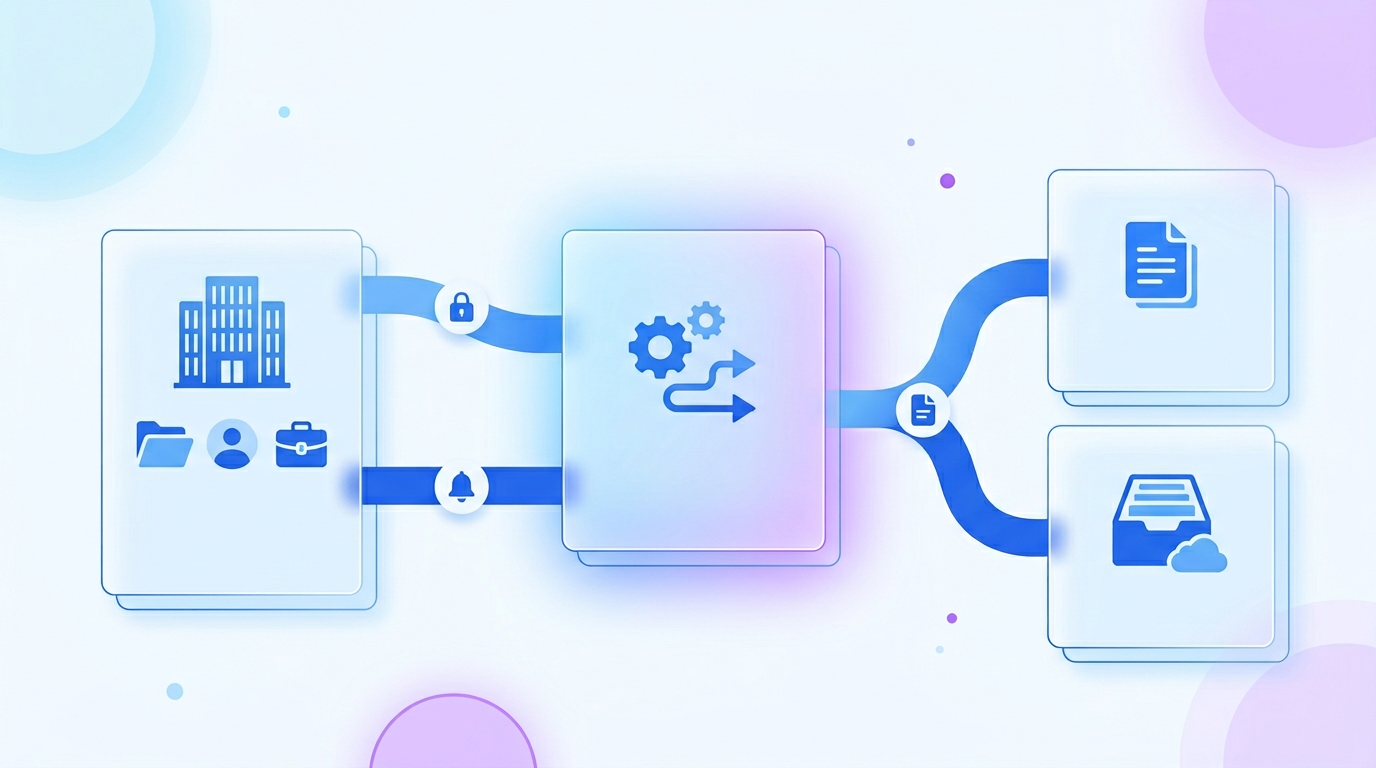
LlamaLab handles every step of medical-record retrieval — from finding providers, to chasing records, to delivering them ready to review. Most of that can happen entirely behind the scenes, so your team continues working in the system they already know.
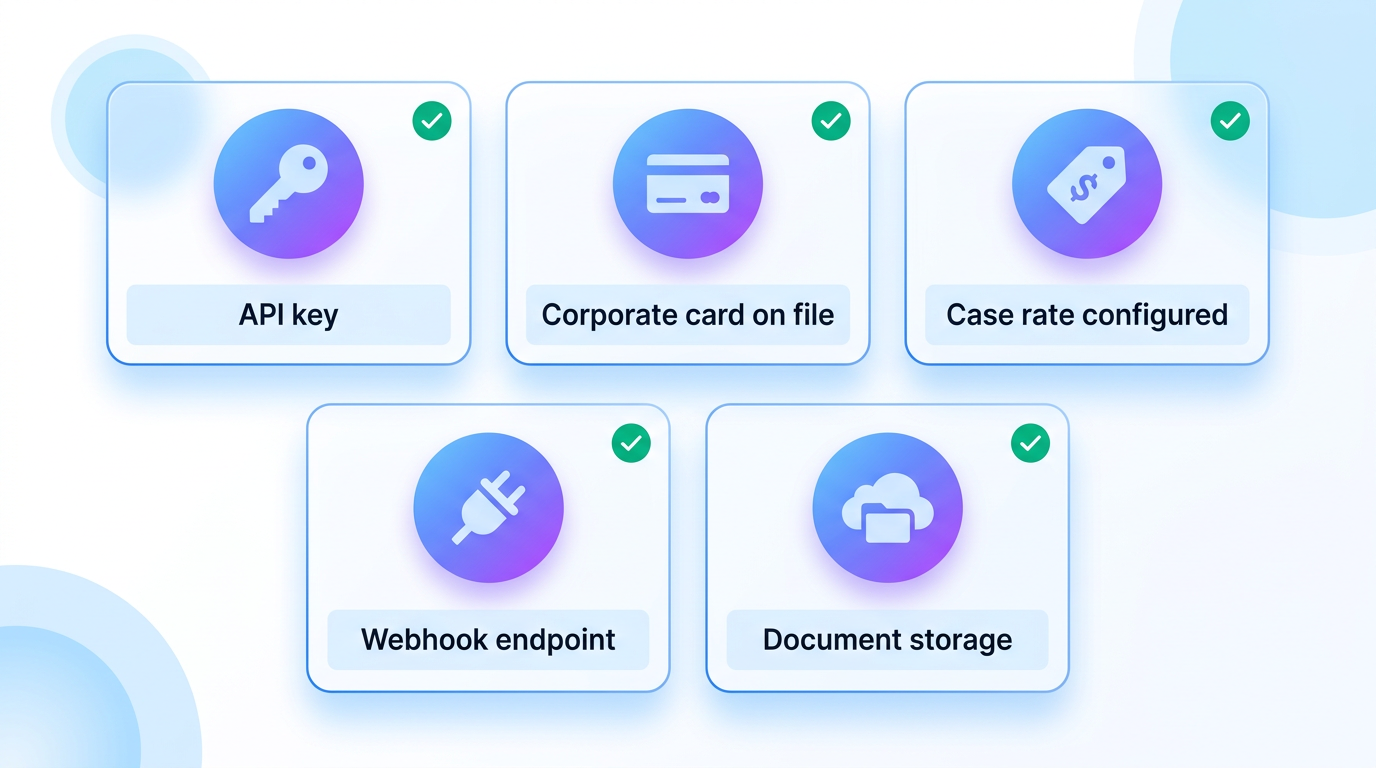
This guide walks through what's possible without anyone on your team logging into the LlamaLab platform — and what we'll need from you to set it up.
The moment a new client is intake'd in your case management system, send their details to LlamaLab. We open the retrieval automatically.
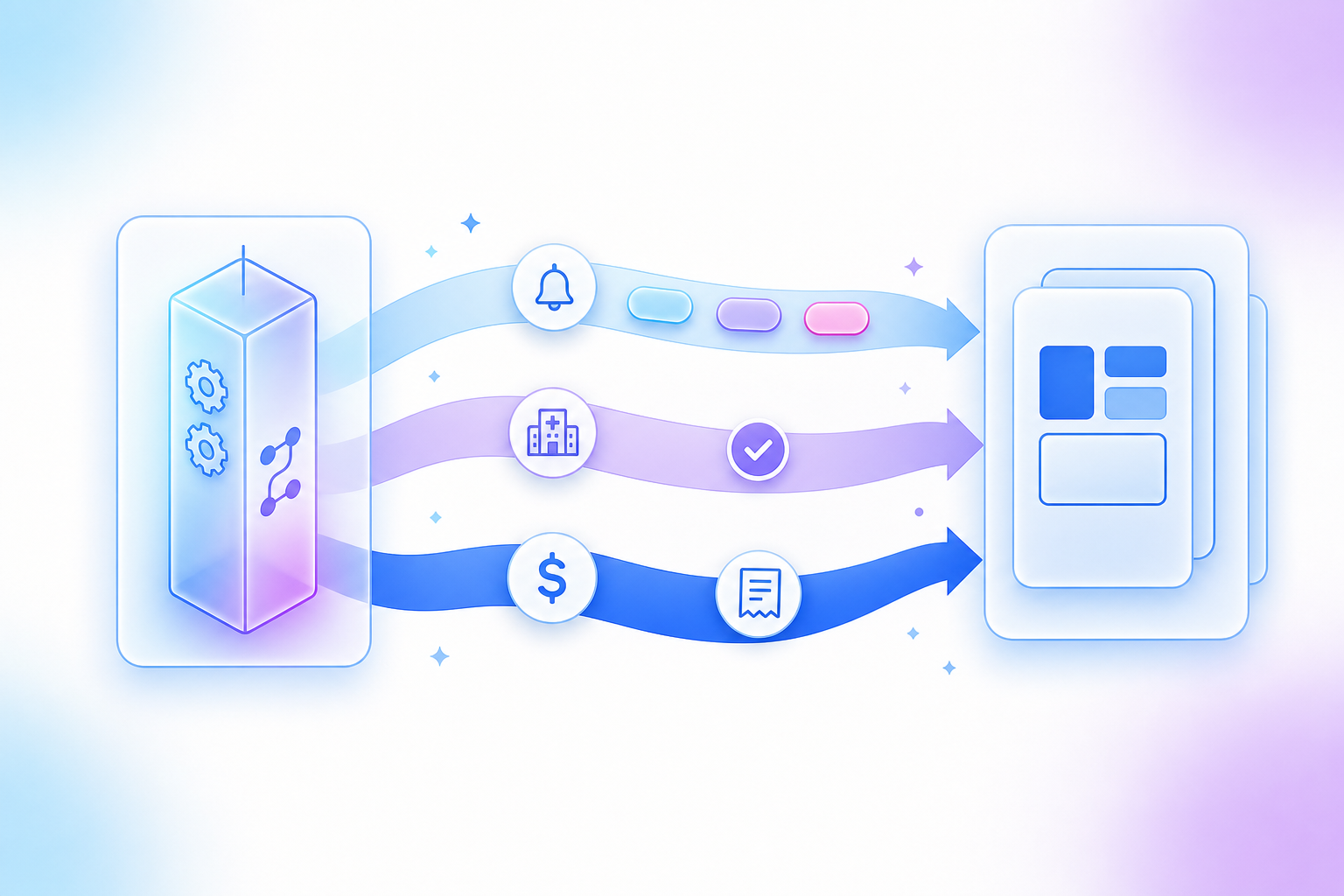
As each case progresses — records requested, documents ready, payment captured — LlamaLab pings your system so dashboards stay current.
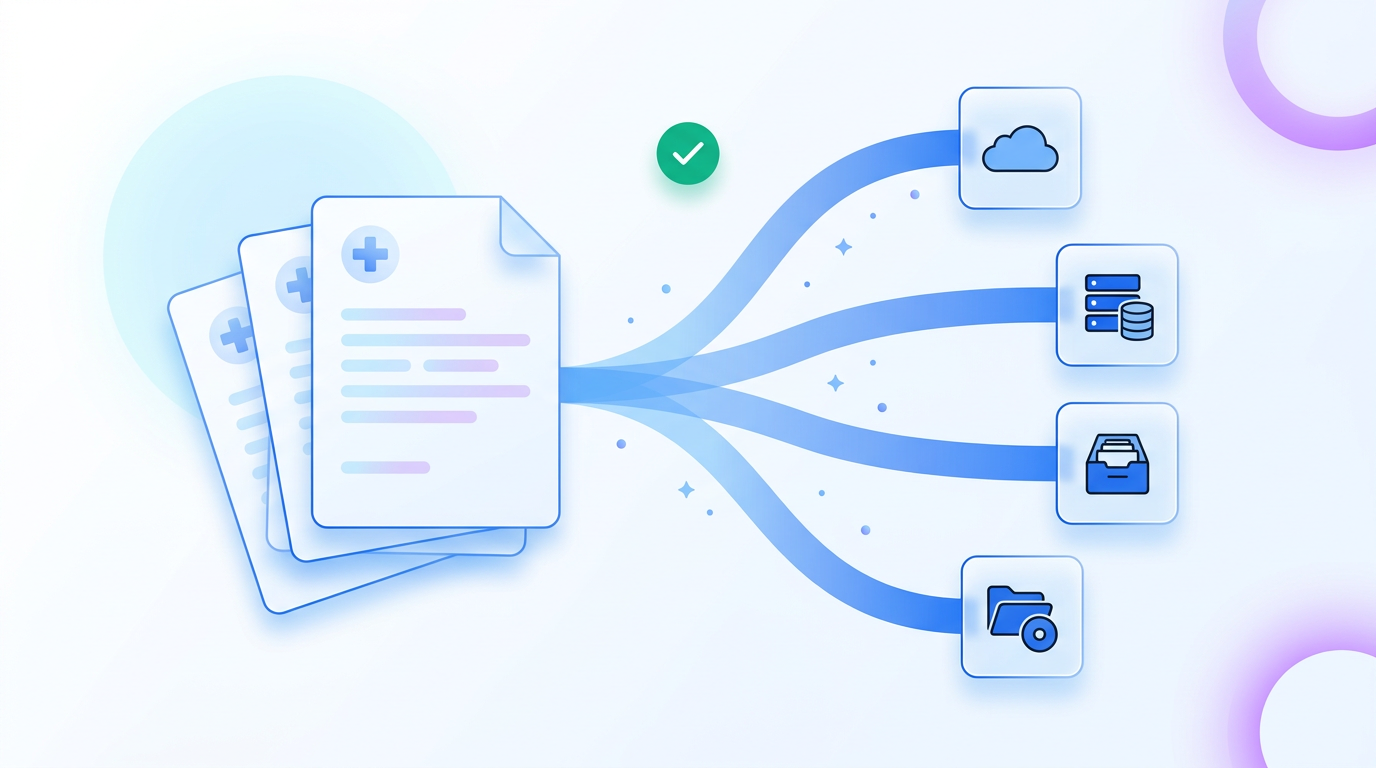
Finished records can be delivered straight into the storage location you already use — whether that's DocuWare, AWS S3, Google Cloud Storage, Azure, or your own system — so attorneys find them where they expect.
When a new case is opened in your case management system, your software sends LlamaLab the patient and incident details — name, date of birth, address, date of loss, the assigned attorney, and your own internal case ID. LlamaLab validates the information instantly, opens a project tied to your case ID, and begins the retrieval.
We carry out everything from finding the right providers to chasing slow responders. Your team never has to log into LlamaLab to start a case.
Hours of manual data entry per case. No double-keying patient details into another system.
We track your internal case ID alongside ours, so any follow-up lookup uses the ID you already know.
The API reference lists each endpoint with full parameter tables, example requests in shell & common languages, and the exact payload your webhook endpoint should expect.
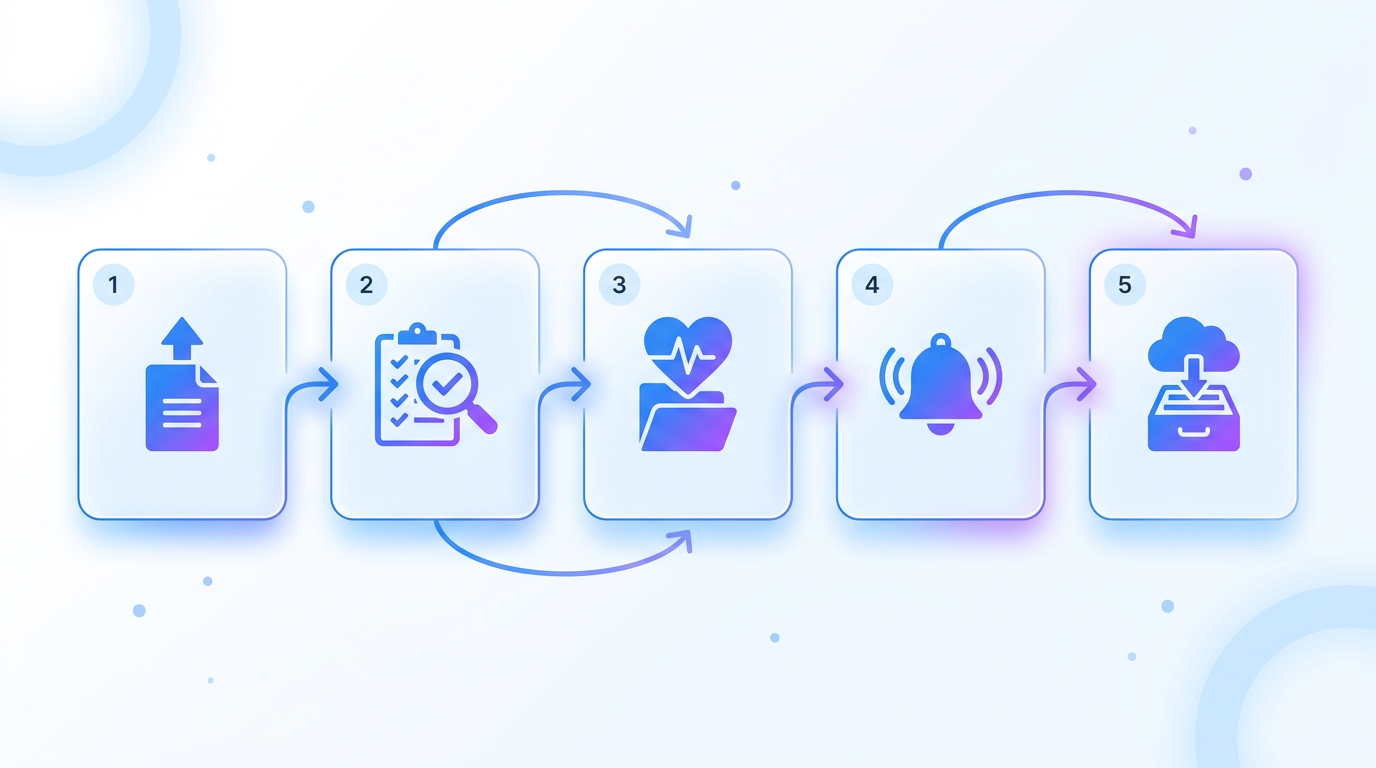
Every time a case moves forward — records requested, documents ready, review complete — we ping your system. Dashboards and case views update automatically without anyone clicking refresh.
Each case fans out to one request per provider or facility. As a single provider's status changes — authorization received, request mailed, records returned, action required — we send a focused update so your team can track sub-progress without waiting for the whole case to move.
When a retrieval fee or provider charge is captured against your card, we send the invoice number, amount, and payment method back so your finance team can reconcile from one source of truth.
Once a retrieval is complete, LlamaLab packages the medical records and uploads them automatically into your existing document storage — whether that's DocuWare, AWS S3, Google Cloud Storage, Azure Blob Storage, or another system your firm already runs. Records land under the case file your team already uses, named and indexed, ready for review.
Setup is a one-time exchange of secure credentials with our team. After that, each case's documents land in the right folder without any hand-off in between — no copying files, no re-uploading, no chasing email attachments.
Unchanged. Records appear under the matter, exactly where they look today.
Email attachments, download/upload steps, lost files, and "where is the record?" follow-ups.
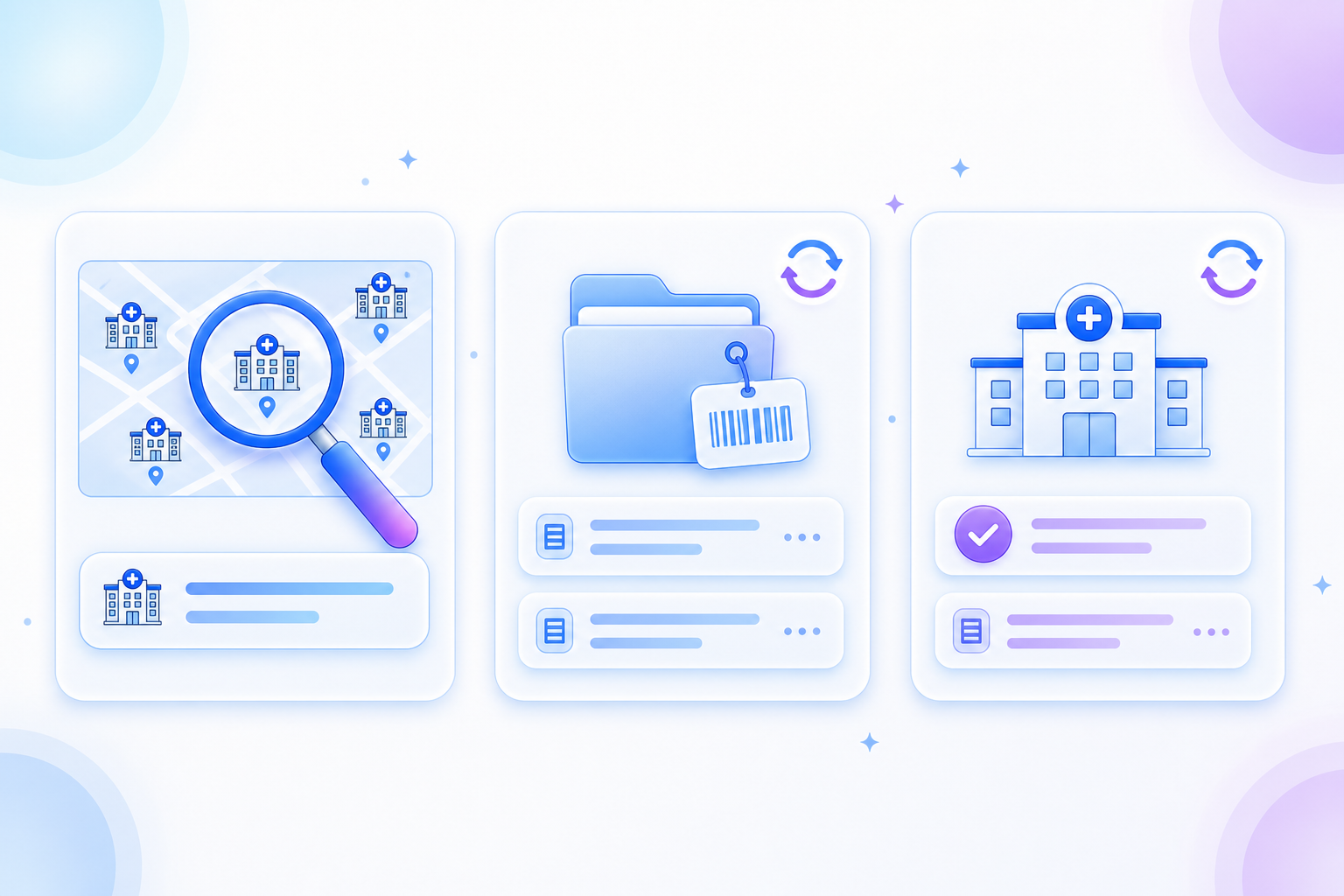
From inside your case management screen, your team can type a hospital or clinic name and pick the right one in autocomplete. The selection travels with the case so we know exactly where to send the request.
Your software can ask LlamaLab "what's the latest on case X?" using the same case ID you already track. No need to remember a second identifier — we map it to ours automatically.
Pull the current state of a single provider request — status, dates, provider details — using the LlamaLab provider ID we shared in the webhook. Useful for refreshing a stale row, recovering after a missed webhook, or syncing one facility on demand.
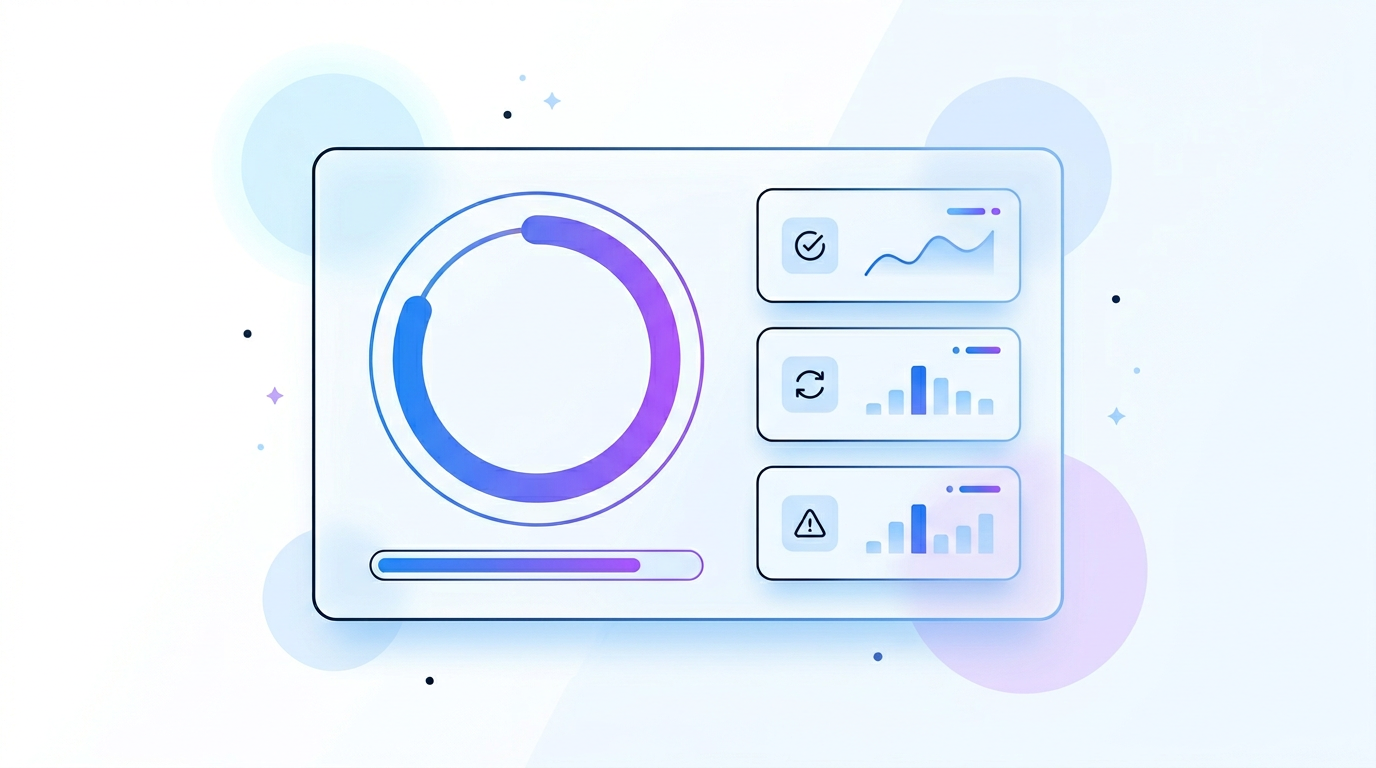
For any date range, ask LlamaLab how many cases your system tried to send, how many succeeded on the first try, how many had a validation issue, and how many of those eventually went through after a retry. Useful for QA, for spotting data-entry patterns at intake, and for proving to leadership that the integration is paying off.
Tell us which capabilities are most useful to you and we'll send a short onboarding plan tailored to your case management system, your storage setup, and your team's go-live timeline.